
A fake Apple pop-up says your iPhone has 179 viruses
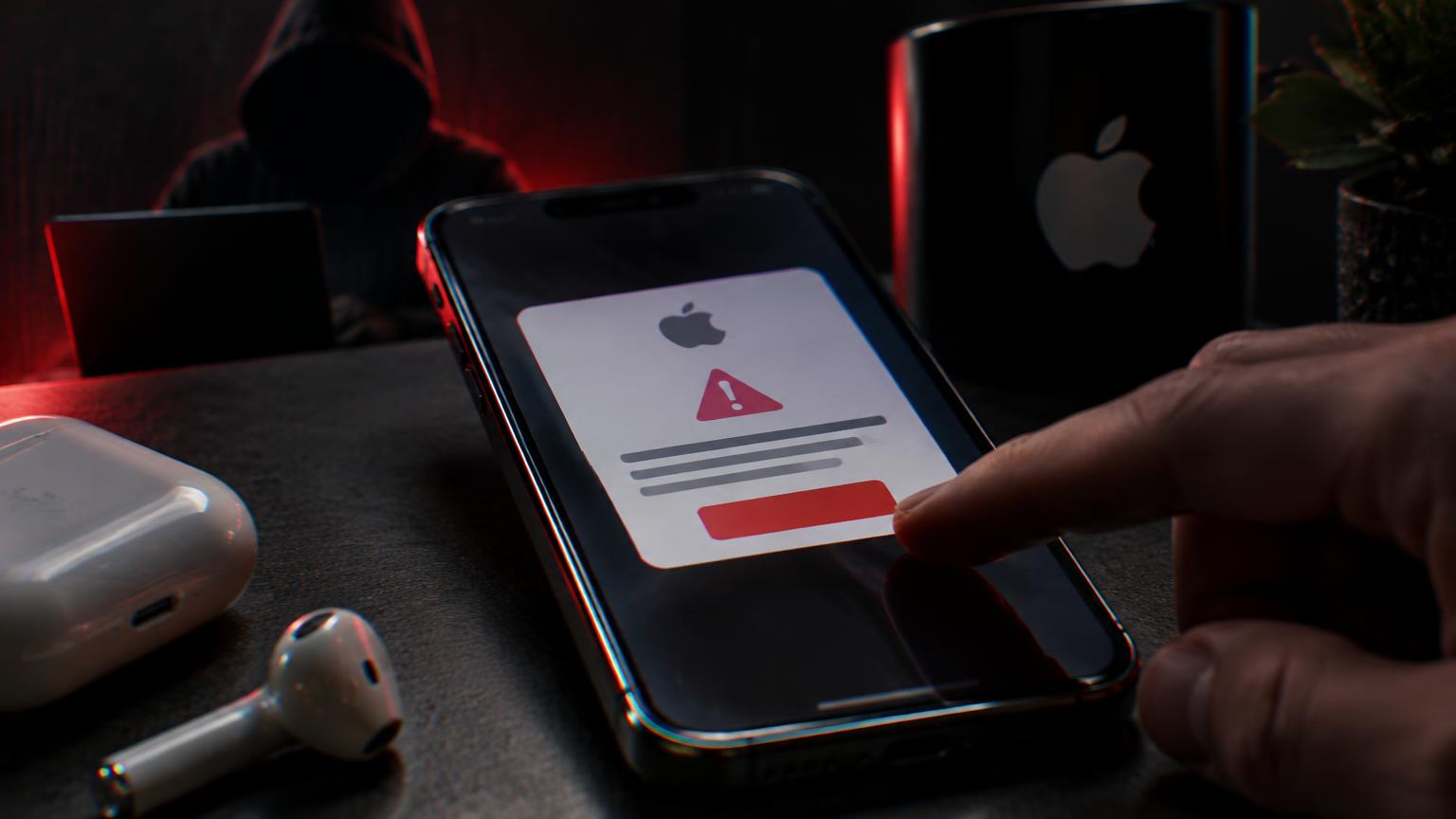
Which? has warned about a pop-up that claims to be from Apple and says 179 viruses have been found on your iPhone. The button on it is likely to download malware that steals personal information.
confirmedUpdated 13 Oct 2026 · 11:12 UK time
What happened
Which? has issued a scam alert about a fake pop-up that claims to come from Apple. It says "179 viruses have been found in your iPhone's storage" and pushes you to tap a button to fix the problem.
What we know
- The warning is not real. Apple does not show virus alerts like this in your web browser.
- Which? says tapping the button will most likely download malware, which can be used to steal your personal information.
- These pop-ups usually appear after someone has accidentally clicked on a dodgy link.
- Which? published the alert on 12 October 2026.
What you can do
- Do not tap anything on the pop-up, including buttons that look like Close or OK.
- Close the browser that is showing it. On an iPhone, swipe up from the bottom of the screen, then swipe up on the browser to close it. On Android, go to Settings, then Apps, pick your browser and tap Force Stop.
- Avoid clicking links in unexpected texts, emails or social media messages, as these are a common way to end up on pages like this.
- If you did tap the button or install something, change the passwords for your important accounts, starting with your email and banking, and contact your bank if you entered any payment details.
- Report scam texts to 7726 and scam emails to report@phishing.gov.uk.
Sources
Which?: The latest scam alertsSeen a scam? Report it.
Forward texts to 7726, emails to report@phishing.gov.uk, and report fraud to Report Fraud (formerly Action Fraud) on 0300 123 2040.