
You clicked a suspicious link or gave away your details: here is what to do right now
Panic helps scammers. Take a breath, follow these steps in order, and lock down your money and accounts before anyone touches them.
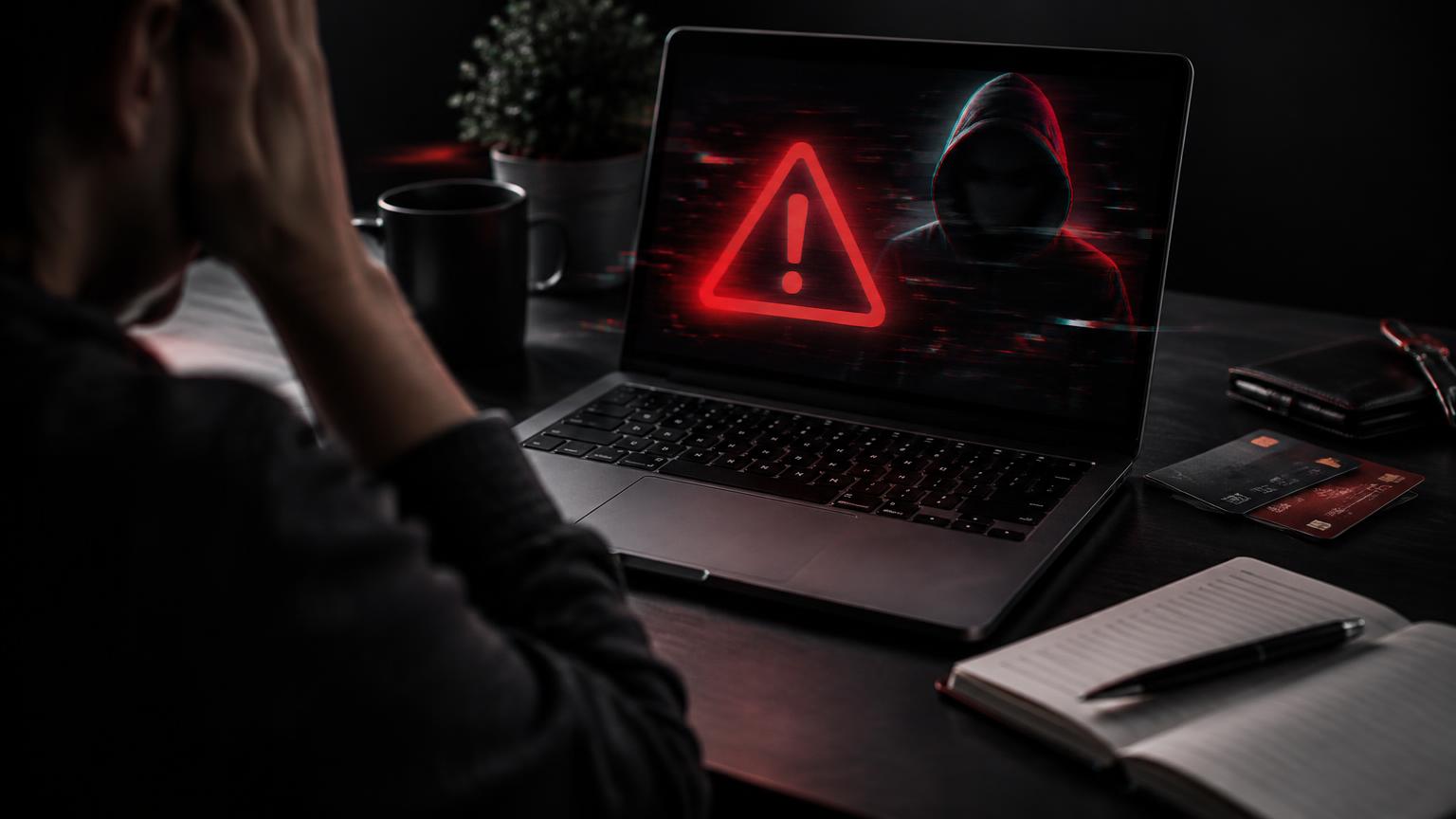
The situation
Almost everyone clicks something they shouldn't eventually. A delivery text when you are waiting for a parcel, an urgent notice about your tax or licence, or a message that looks like it came from a friend.
If you just clicked a link, entered passwords, or typed in bank card details, what matters now is speed, not blame. Work through these steps in order.
What to do right now
1. If you entered card or banking details
- Call 159 immediately. In the UK, 159 is the emergency fraud line that connects you directly to your bank's genuine fraud team. Most major banks support it.
- If your bank is not on 159, call the number printed on the back of your debit or credit card, or open your banking app and find the help or contact section.
- Tell them you gave details to a suspected scam website. Ask them to freeze the card or block any pending payments straight away.
- Do not use any phone number sent in a text or shown on the website you just visited.
2. If you entered a password
- Go directly to the real service by typing its address yourself, ideally on a different device.
- Change the password immediately.
- If you used that same password anywhere else (especially your main email), change it there too.
- In account settings, look for "Log out of all devices" or "Active sessions" and sign out everywhere.
- Switch on two-step verification if you haven't already.
3. If a file or app downloaded to your phone or computer
- Disconnect from the internet: switch on Aeroplane Mode or turn off Wi-Fi and mobile data.
- Look in your downloads or app list for anything added in the last hour and delete or uninstall it.
- On Android, check
Settings > Appsfor any new app that has been given accessibility or notification permissions, and remove them. - On a PC or Mac, run a full scan with Windows Security or your security software before reconnecting.
4. If you only clicked the link but entered nothing
- If you closed the page without entering passwords, phone numbers or card details, you are usually fine.
- Close the tab and do not ring any numbers that flashed on the screen.
What happens next
Once your money and passwords are locked down, expect follow-up attempts. Scammers often pass details on to other fraudsters, or ring pretending to be "your bank's fraud department" offering to fix the very problem they caused.
Your bank, the police and genuine companies will never ask you to move money into a "safe account", read out a security code sent by text, or download remote-access apps like AnyDesk or TeamViewer.
How to report it
- Forward scam texts to 7726 (free on UK networks).
- Forward phishing emails to report@phishing.gov.uk.
- If you lost money or someone got into your accounts, report it to Report Fraud on 0300 123 2040. In Scotland, call Police Scotland on 101.
Sources
Stop Scams UK — 159NCSC — Report a scamReport FraudSeen a scam? Report it.
Forward texts to 7726, emails to report@phishing.gov.uk, and report fraud to Report Fraud (formerly Action Fraud) on 0300 123 2040.