
Fake PayPal, Netflix and Apple apps on Google Play led to ads and "free trial" traps
Security firm McAfee found more than 1,900 fake apps on Google Play pretending to be big brands such as PayPal, Netflix and Roblox, and Which? has now flagged them to UK readers. The apps did very little themselves and instead pushed people to gambling-style sites and sign-up forms for "free" trials that could bill up to $49.99 a month.
What happened
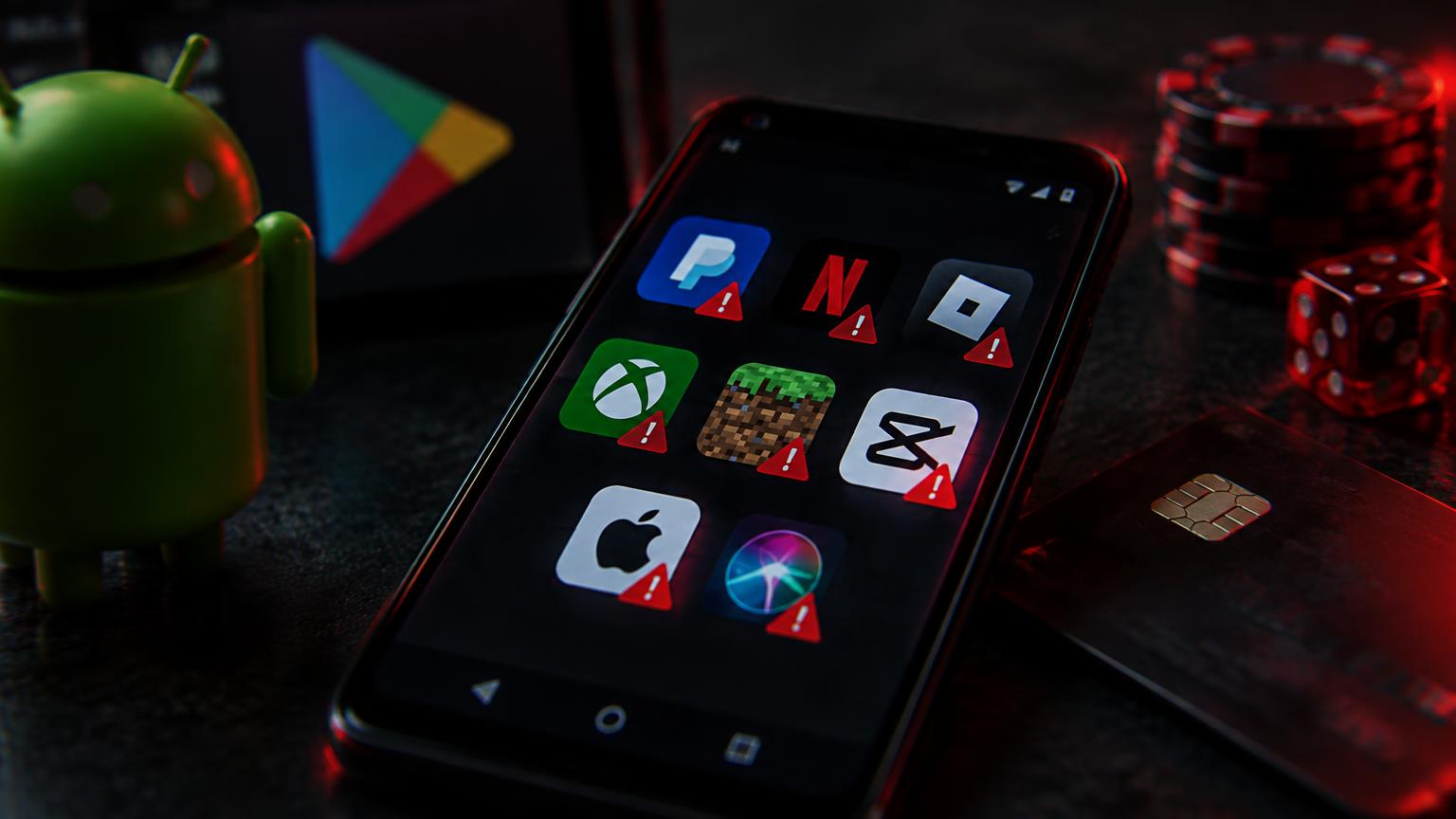
Researchers at the security firm McAfee found a large campaign of fake apps on Google Play, the official app store on Android phones. The people behind it published more than 1,900 apps that borrowed the names and logos of well-known brands, including PayPal, Netflix, Roblox, Xbox Game Pass, Minecraft, CapCut and Apple services. McAfee published its findings on 7 October 2026, and Which? added a warning to its scam alerts page on 20 October.
McAfee says the campaign reached more than 500,000 devices in over 190 countries, with the biggest numbers in India, Russia and the United States. The UK was not the main target, but it was not left out. McAfee recorded 11,862 detections in the UK, and it saw 970 of the fake apps in the UK. Its figures count encounters by people who use McAfee's own security software, so they show a pattern rather than a total number of victims. In the UK the most common lures were streaming, TV and sports apps (17%), video and photo editors (13%) and games (11%).
Some of the fake apps were downloaded a lot. One fake PayPal app had more than 10,000 downloads. McAfee told Google, and Google removed all of the apps McAfee identified.
How the scam works
- A scammer publishes an app on Google Play with a familiar name and logo, such as a fake "PayPal" or "Netflix" app. Some pretend to be Apple tools like Siri, iMessage or Apple Pay, which do not exist on Android at all.
- You search the store for the real thing, or for a helper app, and the fake one appears in the results. It looks official because it is in the official store.
- You install it. McAfee says the app itself does almost nothing. It is mostly a logo and a name.
- When you open it, the app quietly checks a server run by the scammers, which tells it which web page to show.
- The app opens that page in a window with the address bar hidden, so you cannot easily see where you are. In every case McAfee saw, it was a gambling-style quiz site offering daily coin rewards.
- From there you are met with full-screen ads. Some lead to card forms for "free" trials that then charge up to $49.99 a month.
McAfee points out that because the page is fetched each time the app opens, the scammers could change it at any time without a new app update. McAfee warns this could be used for phishing or stealing logins, though it did not report seeing that in this campaign.
Why it works
The first trick is borrowed trust. A familiar logo in an official store feels safe, and most of us do not check who actually published an app. Fake apps count on that.
The second is giving people what they were searching for. If you type "Apple Pay" or "Siri" into an app store, you expect to find something. The scammers know people search for these, so they build apps to match, even though the real products are not available on Android.
The third is that the app itself looks harmless. McAfee says the apps asked for no risky permissions and used no technical exploits, so there was nothing obviously suspicious in the app. The harm came from the adverts and the "free trial" forms the app sent people to. Store checks that look for dangerous code can miss that kind of trick.
Finally, big download numbers make an app feel safe, but McAfee advises that install counts are not proof an app is genuine.
Red flags to spot
- The developer name is not the brand. Genuine apps are published by the company itself, so check the developer name, not just the icon.
- It is an app for something that does not exist on your phone, such as Apple Pay, Siri or iMessage on Android.
- It is a "guide", "tutorial", "helper" or "tips" app for a service you already use. Real services do not need third-party explainers.
- It opens a website with no address bar, a prize quiz or daily coins rather than the service you wanted.
- A banking or payment app you found by searching the store, rather than through your bank or provider's own website.
A real bank or payment company will normally point you to its app through its own website or a link you have found yourself, and will not ask you to enter card details to unlock a "free" trial.
What you can do
- Get banking and payment apps through a link on the company's own website, not by searching the store.
- Before installing anything, look at the developer name, the number and quality of reviews, and whether the app does what the real service does on your type of phone.
- Be wary of apps with big download numbers but few detailed reviews. Popularity is not proof.
- Delete any app on your phone that you do not recognise or no longer use.
- Check your phone for apps you did not mean to install, and check your Google Play subscriptions for charges you do not recognise.
- Keep your phone updated and consider mobile security software.
- Even official stores have hosted harmful apps in the past, according to the National Cyber Security Centre, so a store listing alone is not a guarantee.
If you have already responded
- If you opened an app like this, uninstall it and do not enter any more details.
- If you entered card details, contact your bank using the number on your card and ask about the payments. Ask them to stop the card if you see charges you do not recognise.
- Check your Google Play subscriptions and cancel any you did not choose.
- If you typed in a password anywhere, change it on the real site and turn on two-factor authentication.
- Report it to Report Fraud (0300 123 2040 or reportfraud.police.uk), and watch for follow-up scam calls and texts.
- You can also report the app to Google Play from its store page.
Related scams
- Fake "free trial" and subscription traps, where small recurring charges are hidden behind a sign-up form.
- Brand impersonation phishing, where a message or app copies a well-known company to get you to hand over logins or card details.
Sources
McAfee Labs: Android/RewaFake, a massive adware campaign on Google Play (7 Oct 2026)Tech Digest: McAfee uncovers massive fake app campaign on Google Play store (15 Oct 2026)Which? latest scam alerts: Beware of fake apps (20 Oct 2026)NCSC: Using third-party applications on devicesSeen a scam? Report it.
Forward texts to 7726, emails to report@phishing.gov.uk, and report fraud to Report Fraud (formerly Action Fraud) on 0300 123 2040.