
Fake HMRC texts ask for "extra information" to complete a crypto declaration
HMRC has warned about scam texts that pretend to be from the tax office and ask for personal details to complete a "cryptoassets declaration". HMRC says it has seen a rise in reports and that it never asks for personal or financial information by text.
What happened
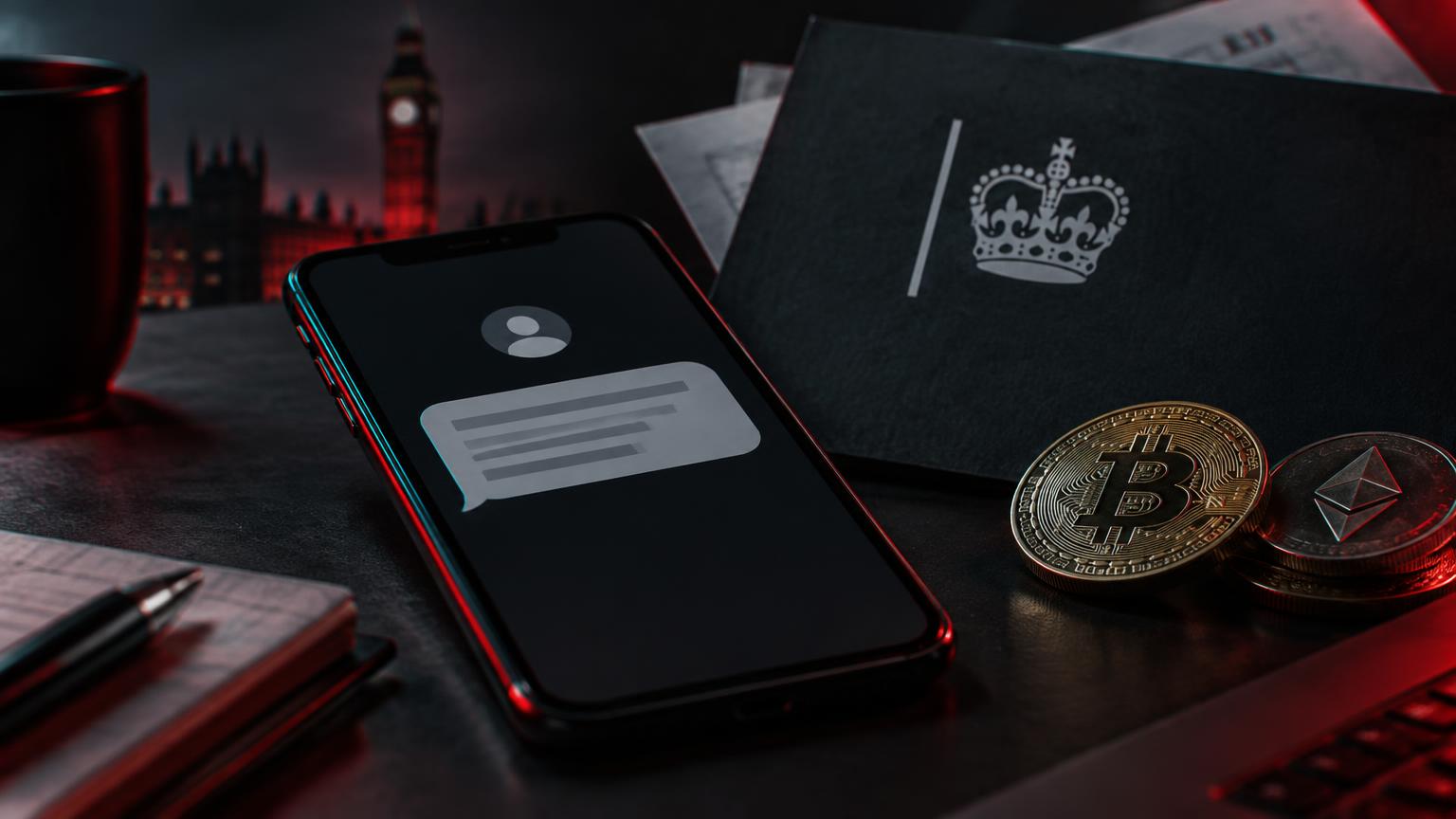
HMRC has warned the public about scam text messages that claim to come from the tax office. According to reports on 20 and 21 October 2026, the texts say you need to provide additional information to complete a cryptoassets declaration. HMRC shared the warning on social media, saying it has seen an increase in reports of these messages.
The scammers are borrowing a real topic. HMRC does send genuine messages to some people who may have taxable cryptoasset activity, and those can point to official GOV.UK guidance. That is what makes the scam believable: a fake text can look like a cousin of something real. The sources we have read do not quote the exact wording of the fake texts, do not say what link they contain, and give no figures for victims or losses, so we are not going to guess at those details.
How the scam works
- You receive a text that appears to be from HMRC. It says something is missing from a cryptoassets declaration and asks you to provide additional personal information.
- The message nudges you to act: reply, follow a link or hand over details so the "declaration" can be completed.
- If you go along with it, the scammer collects whatever you give them. In HMRC-style scams generally, that is personal details, bank details or passwords, which can then be used to take money, open accounts in your name or be sold on.
- Once criminals have some of your details, they often use them to make later contact more convincing, for example a follow-up call from someone who already knows your name.
Why it works
Tax feels official and slightly scary. Most people do not fully understand the rules around cryptoassets, so a message saying you have missed a step does not sound far-fetched, even if you have never bought any. Scammers also lean on the fact that a text arrives on your phone, where it is quick to tap and reply without stopping to think.
Government names carry authority. Scam texts can be sent so that the sender name looks like a real organisation, and they can even appear in the same message thread as genuine texts from that organisation. Which? notes that caller ID can show "HMRC" through number spoofing, so a familiar name on the screen proves nothing.
Finally, the request sounds small. Asking you to "confirm a few details" feels far less alarming than demanding money, which is how many scams start before moving on to bigger asks.
Red flags to spot
- A text from "HMRC" that asks you for personal or financial information. HMRC says it will never do this by text.
- A message you were not expecting, especially one telling you something is incomplete or missing.
- Any pressure to act quickly, or a link you are asked to follow to put things right.
- Requests for bank details, passwords or other personal information, which are classic phishing signs.
- Refund or rebate offers by text or email. Which? says HMRC does not send these notifications that way.
How the real HMRC contacts you: it can send letters and genuine messages, and some genuine texts may point you to GOV.UK guidance if you have possibly taxable cryptoasset activity. But it will not ask for personal or financial details by text. If you are unsure, go to GOV.UK yourself rather than using anything in the message.
What you can do
- Do not click links, reply or share details if you are unsure.
- If you want to check, open your own HMRC account through GOV.UK by typing the address yourself, or use a phone number from GOV.UK or an HMRC letter you already have. Do not use numbers in the message.
- Forward suspicious HMRC texts to 60599 (network charges may apply) and suspicious emails to phishing@hmrc.gov.uk. HMRC advises deleting the message after you have forwarded it.
- Report scam texts to 7726 and scam emails to report@phishing.gov.uk if you prefer the general routes.
- Tell older relatives and friends, who are often targeted with tax-themed messages.
If you have already responded
- If you gave bank details or made a payment, contact your bank straight away using the number on the back of your card and tell them what happened.
- If you shared passwords, change them now, starting with email and banking, and turn on two-factor authentication.
- If you gave personal details such as your date of birth or National Insurance number, expect follow-up scam calls and texts, and be wary of anything that quotes them back to you.
- Report what happened to Report Fraud (0300 123 2040 or reportfraud.police.uk).
- Check your bank statements and credit file over the coming weeks for anything you do not recognise.
Related scams
- Fake tax refund or rebate texts and emails, which Which? describes as a long-running HMRC impersonation tactic.
- Phishing and smishing more widely: scam texts and emails that copy banks, delivery firms and other trusted names to get you to share details.
Sources
Brit Brief: HMRC warns of scam texts over cryptoassets declaration (20 Oct 2026)Brit Brief: HMRC warns of scam texts over cryptoassets declaration (21 Oct 2026)Which?: How to spot HMRC phone, text and email tax scamsHMRC press release: HMRC warns on tax refund scamsSeen a scam? Report it.
Forward texts to 7726, emails to report@phishing.gov.uk, and report fraud to Report Fraud (formerly Action Fraud) on 0300 123 2040.