
Fake PayPal email claims a £441.99 iPhone purchase and tells you to call a number
Which? has warned about a scam email pretending to be PayPal that claims there was an unauthorised £441.99 transaction for an iPhone. It includes a phone number to call, which is where the scammers try to get your personal and financial details.
What happened
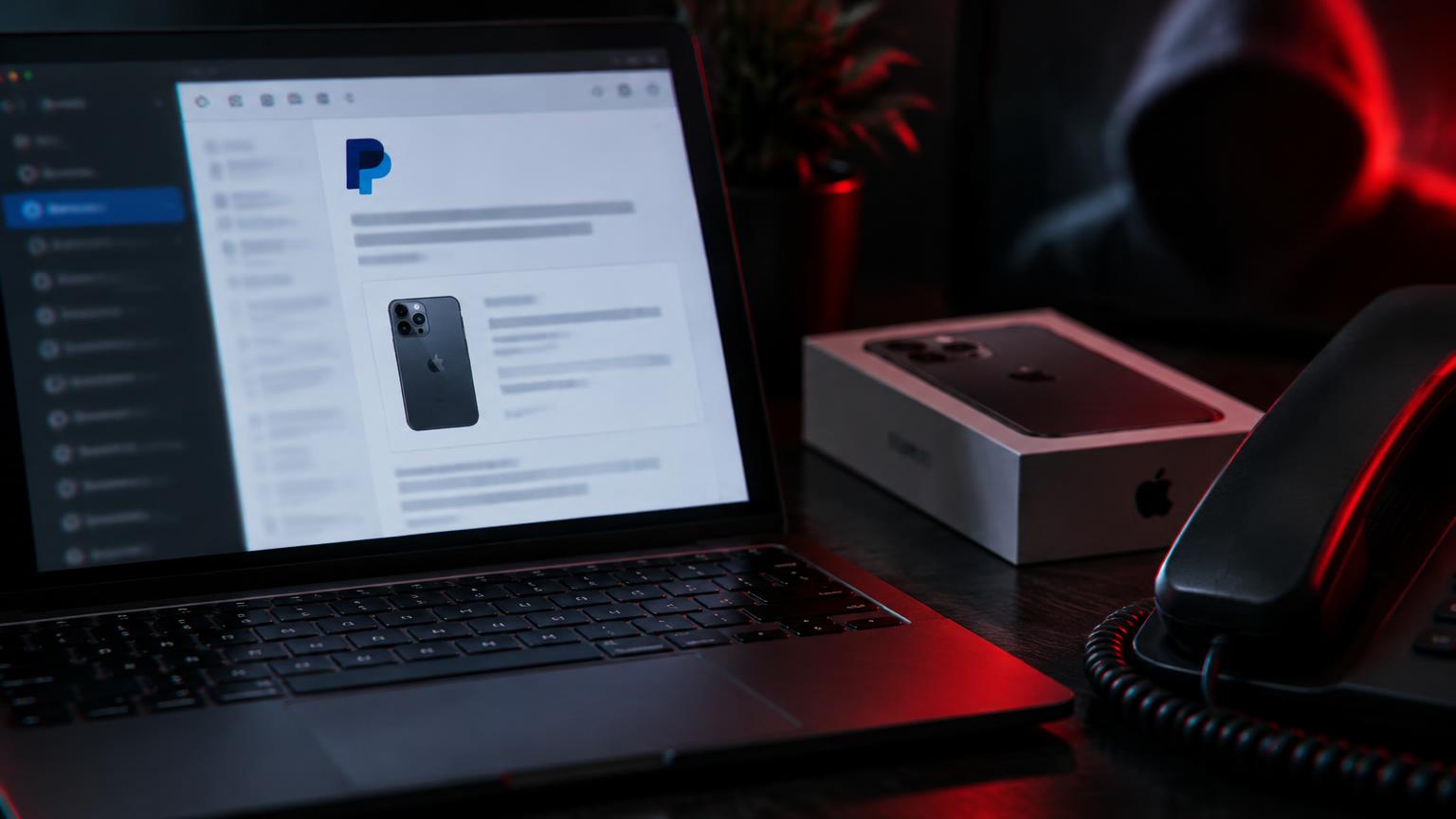
Which? added a new warning to its scam alerts list on 26 October about an email that claims to come from PayPal. The email says there has been an unauthorised transaction on your account for £441.99, for an iPhone. It gives a customer service number and invites you to call it.
Which? says the call is the scammers' trap: once you are on the phone, they are likely to try to get you to reveal personal and financial information. Which? advises forwarding the email to report@phishing.gov.uk. The sources do not say who the email is sent to, how many people have received it, or what sender address it uses.
How the scam works
The sources describe this type of scam as a fake invoice or payment alert. Based on those sources and the Which? warning, the usual steps look like this:
- An email arrives that looks like it is from PayPal. It says a payment has been taken or requested for something you never bought, in this case an iPhone costing £441.99.
- There is no sensible way to dispute it inside the email. Instead of a button that takes you to PayPal, you are given a phone number and told to call to sort it out.
- You ring the number. The person who answers presents themselves as PayPal support.
- The caller then tries to get something from you. Security researchers who have studied this kind of scam say the aims include getting card or account details, getting you to install remote access software on your device, or getting you to pay to "cancel" the charge.
The Which? alert confirms the first three points and the goal of obtaining personal and financial information. The other aims in step 4 come from wider security guidance on fake invoice scams, so treat them as examples of what can follow, not as confirmed details of this exact campaign.
Why it works
The scam is built to make you act before you think. A large charge for something you did not buy causes a jolt of worry. Money is involved, so your first instinct is to stop it quickly.
PayPal is a name millions of people in the UK use and trust, so the email feels relevant even if you only use PayPal now and then. A message from a brand you recognise carries borrowed authority.
The phone number is the clever part. Many people have learned not to click links in suspicious emails, so the scammers move the conversation to a phone call instead. On a call, a confident, friendly voice can talk you through steps you would never follow in writing, and it is harder to pause and check things when someone is waiting on the line.
The amount also matters. £441.99 is large enough to alarm you but believable for a phone, which makes it feel like a real order rather than an obvious fake.
Red flags to spot
- An email about a payment you do not recognise that tells you to phone a number to dispute it.
- Pressure to act quickly or a warning that something bad will happen if you do not.
- A phone number in the email instead of a simple instruction to log in to your account.
- A caller who asks for card details, passwords or one-time codes, or who asks you to install an app so they can "help".
- A request to pay money in order to cancel or refund a charge.
Real companies do not usually need you to ring a number from an email to check your account. If PayPal needs you to do something, the quickest safe check is to open the PayPal app or type the website address in yourself and look at your activity there.
What you can do
- Do not call the number in the email and do not click anything in it.
- Open the PayPal app, or type the PayPal website address into your browser yourself, and check your recent activity. If there is no £441.99 iPhone payment, the email is not real.
- Forward the email to report@phishing.gov.uk, then delete it.
- Report scam texts to 7726 and scam emails to report@phishing.gov.uk.
- Use a strong, unique password for PayPal and for the email account linked to it, and turn on two-factor authentication.
- Tell friends and family, especially anyone who is less confident with technology. Scams that lead to a phone call tend to catch people out.
If you have already responded
- If you called the number, hang up. If you shared card or bank details, ring your bank straight away using the number on the back of your card and tell them what happened.
- If you gave anyone remote access to your computer or phone, disconnect it from the internet, uninstall the software, and get it checked. Change your passwords from a different, clean device.
- Change your PayPal and email passwords and turn on two-factor authentication.
- If you paid anything, tell your bank at once, as there may be a chance to stop or recover the payment.
- Report it to Report Fraud on 0300 123 2040 or at reportfraud.police.uk.
- Be ready for follow-up calls. Scammers sometimes come back pretending to be the bank or the police to "recover" your money.
Related scams
- Fake invoice and payment alert scams, where the aim is to get you to ring a number, are a close cousin of phishing emails that ask you to click a link.
- The same trick appears in fake direct debit texts that ask you to call a number to cancel, which we have covered before.
Sources
The latest scam alerts from Which? (PayPal invoice scam, 26 Oct)Bitdefender: How scammers use small business names to send fake PayPal invoicesSeen a scam? Report it.
Forward texts to 7726, emails to report@phishing.gov.uk, and report fraud to Report Fraud (formerly Action Fraud) on 0300 123 2040.