
One extra step. A much safer account.
Two-step verification sounds technical. It isn’t. Here’s what it does and how to switch it on.
updateUpdated 09 Oct 2026 · 03:30 UK time
What happened
This is sample educational content for design review. It is not breaking news or advice about a specific incident.
What we know
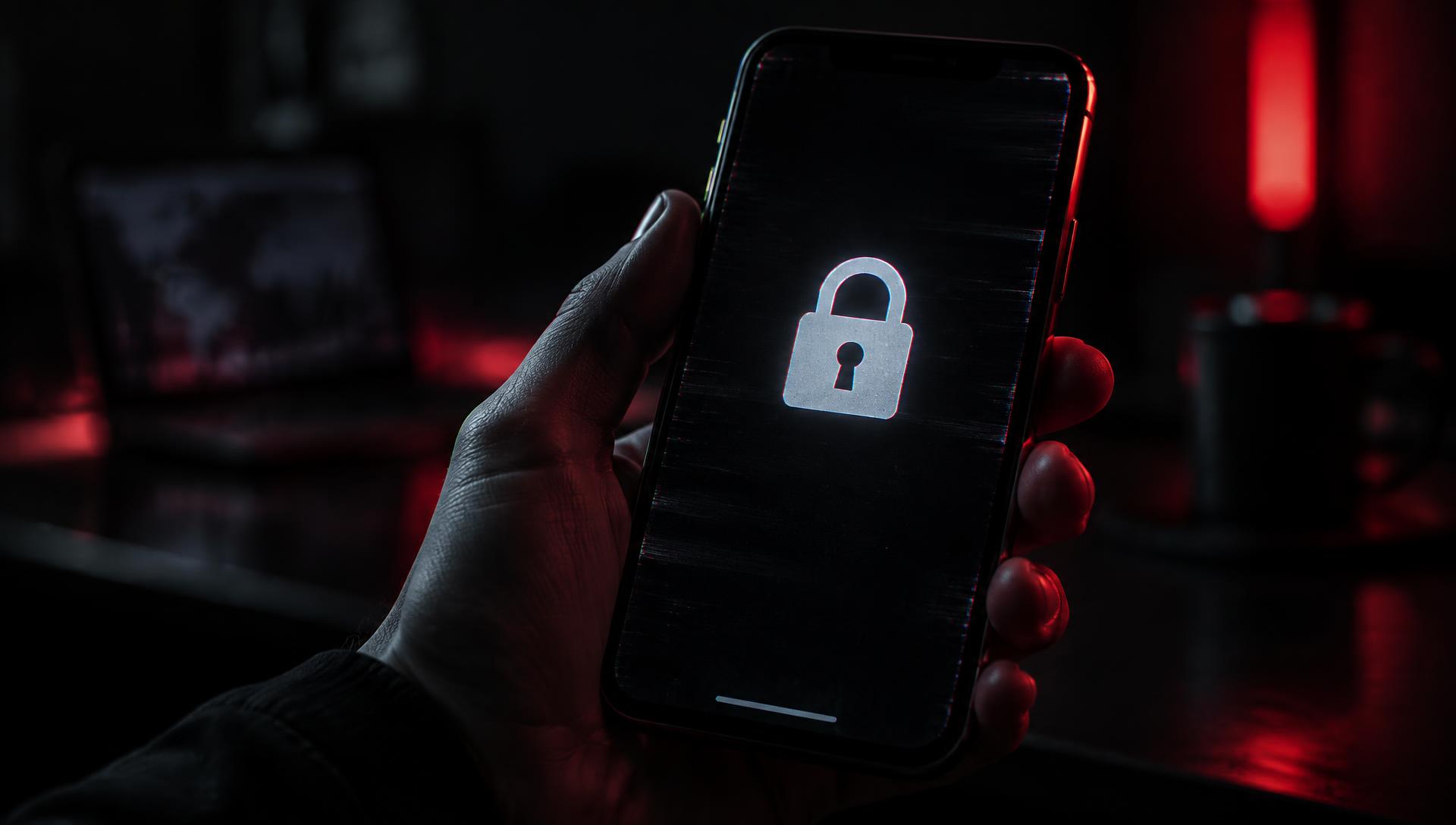
Two-step verification adds a second check when you sign in, such as a code from an app. It helps protect your account even if someone knows your password.
What we don’t know yet
The exact settings depend on the service you use. Check its official help pages for the latest instructions.
What you can do
- Open your account’s security settings.
- Find two-step verification or two-factor authentication.
- Follow the service’s setup instructions.
- Keep backup codes somewhere safe and never share sign-in codes.
Sources
NCSC: setting up two-step verificationSeen a scam? Report it.
Forward texts to 7726, emails to report@phishing.gov.uk, and report fraud to Report Fraud (formerly Action Fraud) on 0300 123 2040.